Convert anything
Turn video, audio, GIF and WebP files into the format your next destination expects.
ExploreConvertZen is a focused workspace for saving, converting, cleaning and sharing the files you actually want to keep.
Skip the app-hopping. ConvertZen brings practical tools into one clear flow so you can spend less time preparing a file and more time using it.
Every control is there for a reason. Start simple, then go deeper only when the project needs it.
Turn video, audio, GIF and WebP files into the format your next destination expects.
Explore
Clean noise, level loudness, trim silence and separate vocals in a few clicks.
Explore
Crop, rotate, resize and reframe clips for every screen without leaving your library.
Explore
Queue a whole folder, apply a preset and let ConvertZen handle the repetitive work.
Explore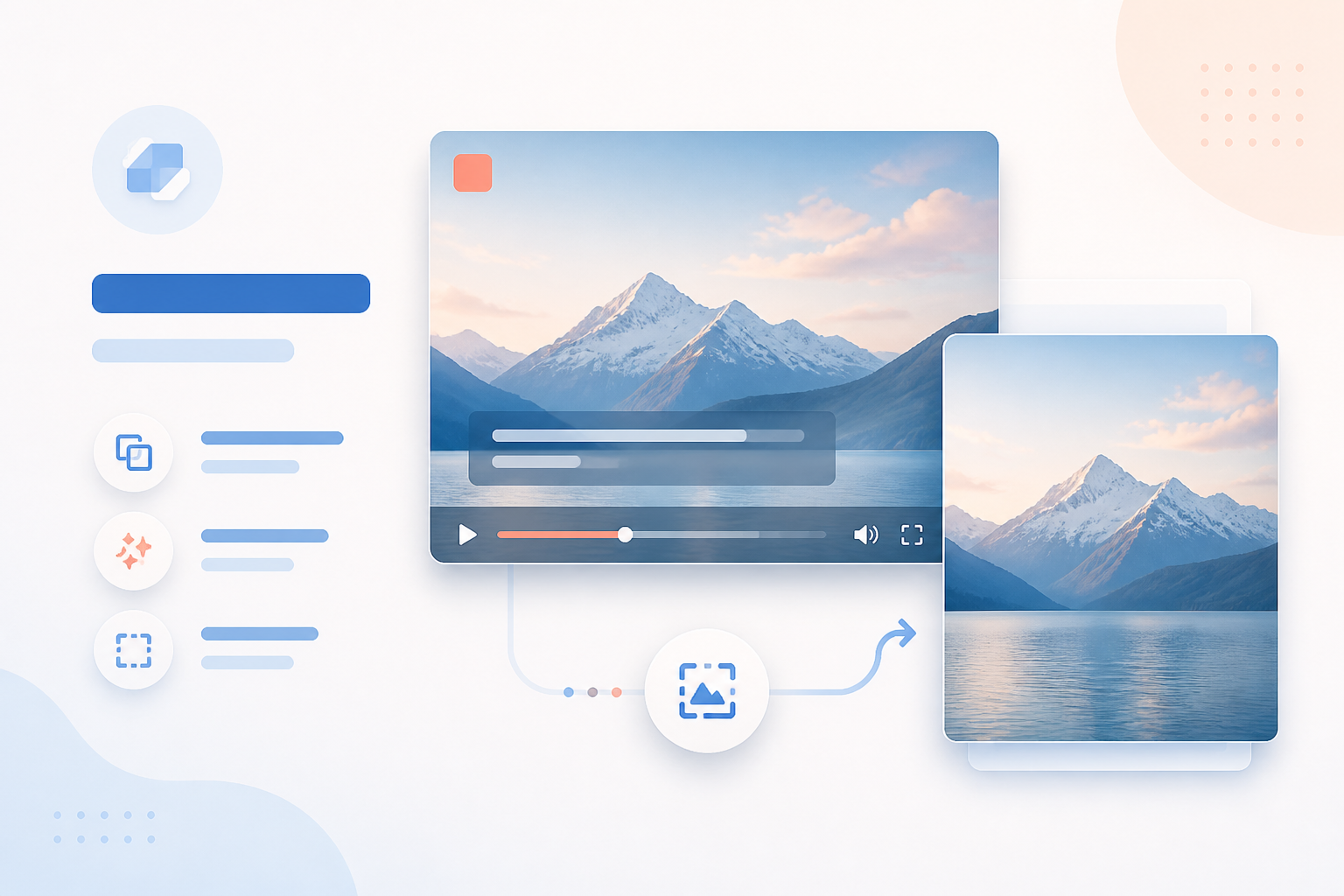
Add captions, watermarks or blur zones, then pull clean frames from any clip.
Explore
Keep your favourite quality, destination and output settings ready for the next job.
ExploreA clear four-step rhythm for quick jobs and big batches alike.
Open a local file or paste an authorised source link.
Choose a preset, then adjust quality, crop or audio.
Queue multiple jobs and keep an eye on progress.
Save the finished file or send it to another device.
Choose your platform and get the release made for your everyday workflow.
Still deciding? Here are the practical answers.
Yes! ConvertZen offers a free plan that allows you to download up to 10 videos per day in HD quality (1080p). For unlimited downloads and 4K quality, you can upgrade to our Pro plan anytime.
ConvertZen supports popular video and audio sources that allow personal offline saving.
The app is built as a clean desktop utility without extra bundled software.
Yes. Install ConvertZen on your supported desktop and Android devices.
ConvertZen supports resolutions up to 4K (2160p) for video and high-quality audio up to 320 kbps. The available options depend on the source and your device.
Downloads are saved to your chosen folder. You can change the location before starting a download.